Inspection system
Code & Marking Inspection Systems — OCR / OCV & Code Verification
Reading a code is not verifying it. The distinction is the whole point of this application class.
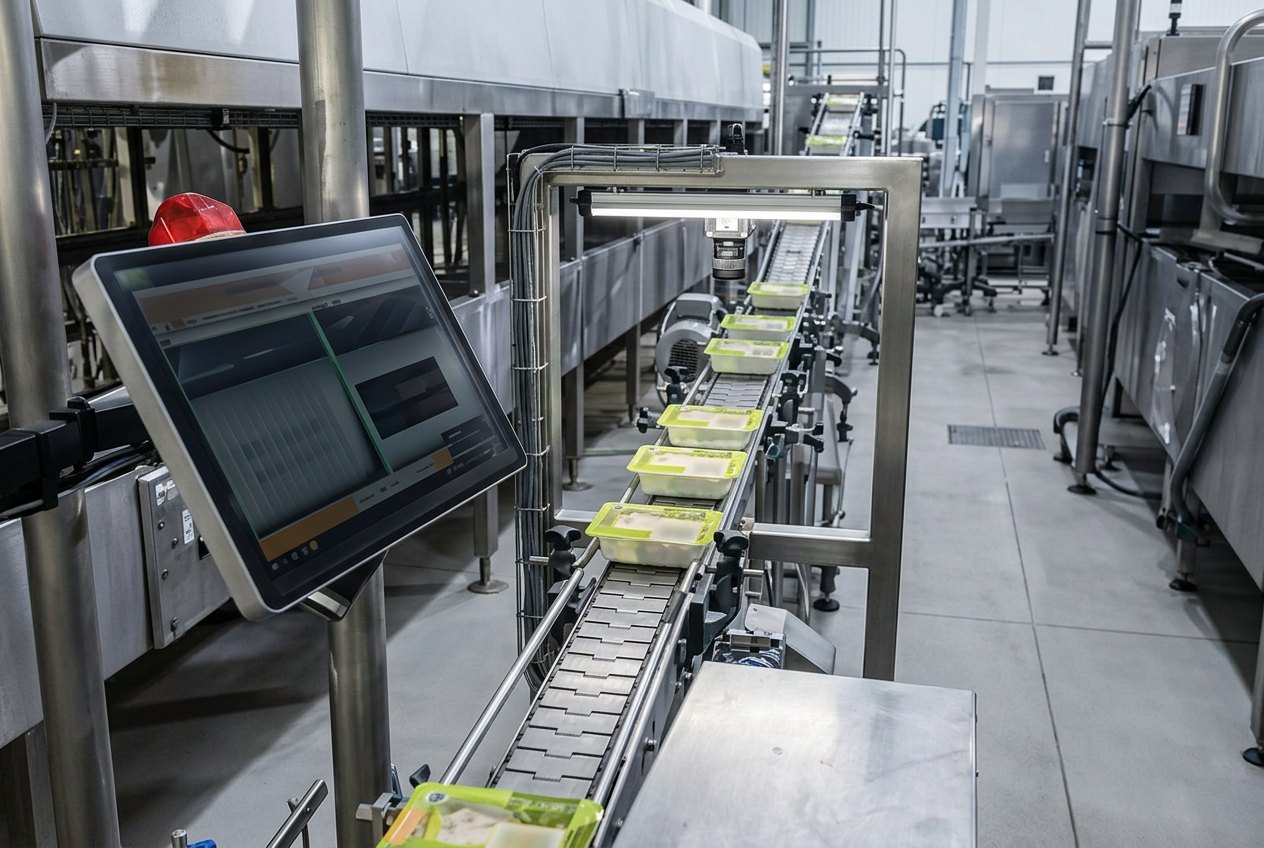
Direct answer
What is the difference between OCR and OCV?
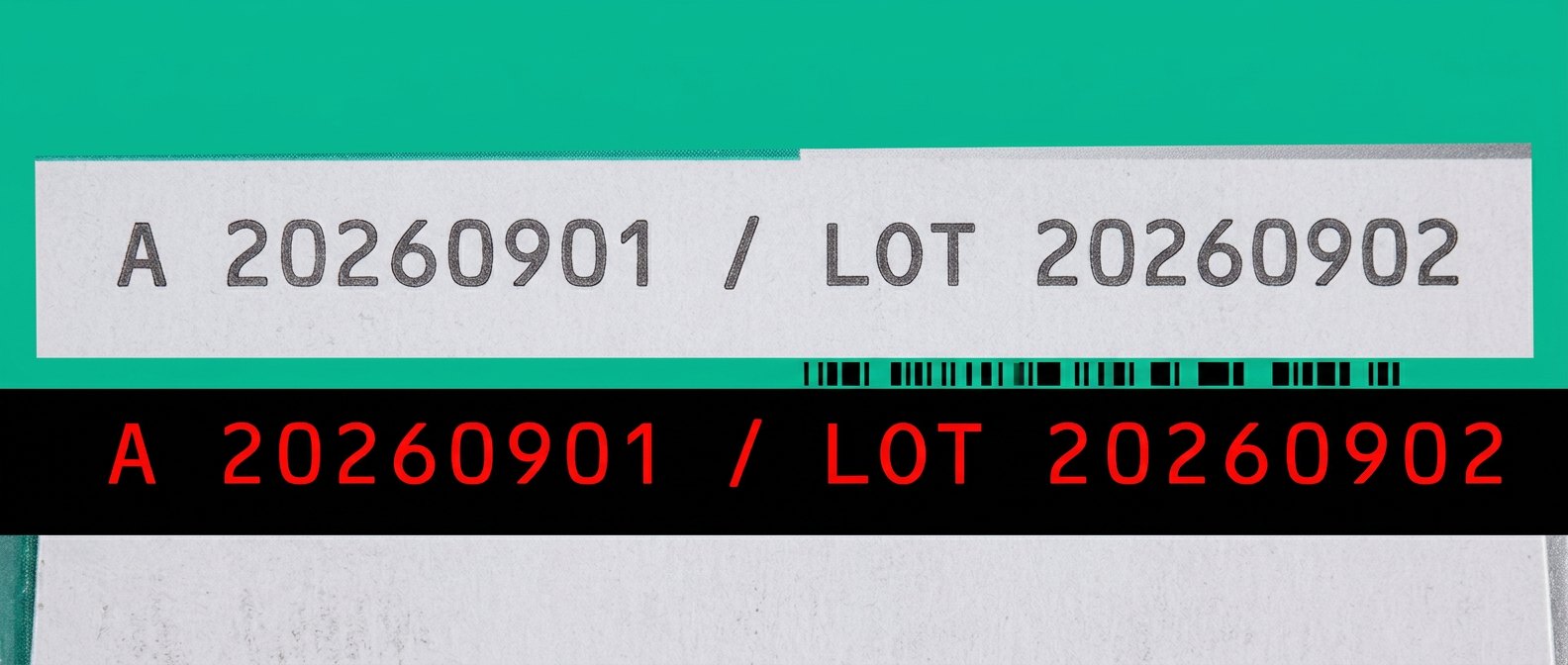
OCR (optical character recognition) converts printed characters in an image into a text string without knowing what the text should be. OCV (optical character verification) compares what is printed against an expected string supplied by the recipe, work order or MES, and fails the part on mismatch, missing characters or degraded print quality. Code verification extends the same logic to 1D/2D symbols, adding print-quality grading against a published standard.
Four operations, often confused
Regulated packaging usually needs OCV plus code verification, because a decodable-but-marginal symbol will fail somewhere downstream in the supply chain even if your reader accepts it.
If your specific requirement is date, lot, batch or expiry codes, our Date & Lot Code Verification System page covers that station in detail — expected-value sourcing, substrate-specific imaging and validation.
- OCR
- Recognize characters; output a string. No expectation supplied.
- OCV
- Compare printed characters to the expected string; fail on mismatch or degradation.
- Code reading
- Decode a 1D/2D symbol; success means decodable, not well printed.
- Code verification
- Grade symbol quality against ISO/IEC 15416 / 15415 style criteria under controlled optics.
Where the expected value comes from
An OCV station is only as strong as its source of truth. If the operator types the date into the vision HMI, you have verified the operator's typing. Pulling the expected string from the work order, MES or the coder's own job data closes that loop.
- Preferred: expected string delivered from MES/ERP per work order.
- Acceptable: string pushed from the coder controller and cross-checked by vision.
- Weak: manual entry at the vision HMI with no second source.
- Always: log the expected value, the read value, the verdict and the image reference.
Imaging requirements for characters
- Resolve enough pixels across the narrowest stroke — a common working target is several pixels per stroke, not per character.
- Contrast, not resolution, is the usual failure: inkjet on kraft, laser on metallized film and thermal transfer on gloss each need a different lighting geometry.
- Dot-matrix inkjet characters need enough resolution to separate dots without merging them into blobs.
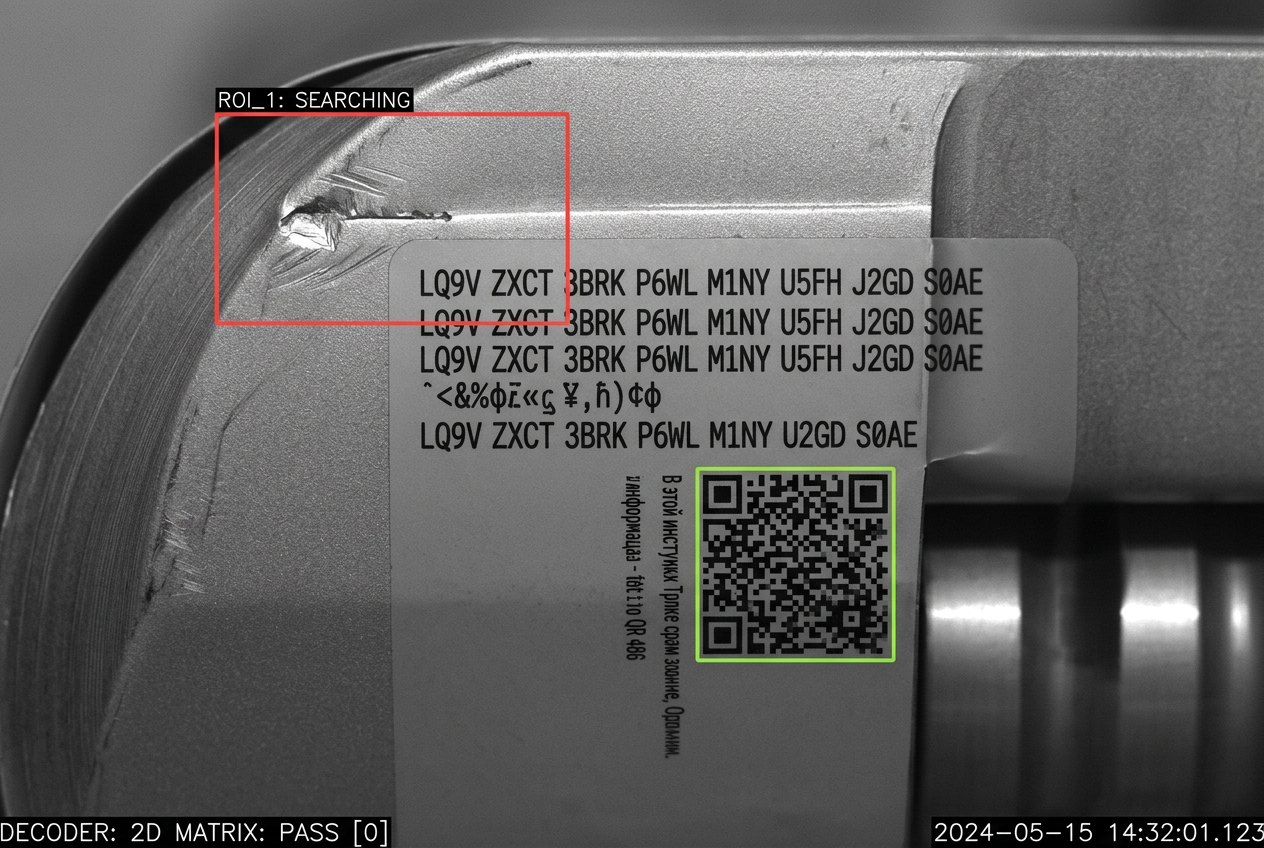
- For deforming substrates, constrain the region of interest or add a locator feature so the string is found before it is read.
What VisionAxiom delivers
VisionAxiom delivers this as a complete inspection system, not a parts list: application analysis, imaging and illumination design, station architecture, VSA Inspect configuration, PLC and reject integration, quality records, and a validation run against written acceptance criteria.
- Application → imaging: optics, lighting geometry, resolution and timing budget derived from your part and line speed.
- Imaging → VSA Inspect: inspection logic, per-SKU recipes, reason codes and operator screens configured per application.
- VSA Inspect → controls: PASS / FAIL / NO READ to the PLC inside the reject window, with a specified fail-safe default.
- Controls → data: image and verdict records retained for traceability, with the schema documented.
- Validation: at-speed run on a labeled sample panel, with escapes and false rejects reported separately.
Frequently asked questions
- Does OCV need AI?
- Usually not. Trained font libraries with verification against an expected string are deterministic, auditable and easier to validate. Learned models help mainly with severely degraded or highly variable printing.
- Can one station read a date code and grade a 2D code?
- Sometimes, but the optics and lighting requirements differ. Verification-grade symbol grading has specified illumination geometry, which may conflict with the best geometry for character contrast. Two stations are often cheaper than one compromised station.
Related engineering material